In today’s digital world, where screens dominate our daily lives, our hands and wrists often bear the brunt of countless hours spent typing and clicking. You might not notice it at first, but that subtle ache, tingling, or stiffness in your wrist after a long work or gaming session is your body sending a clear signal. This isn’t just about temporary discomfort; it’s about safeguarding your long-term health and maintaining peak performance. That’s where the unsung heroes of your desktop setup come in: the mouse mat and wrist rest. These seemingly simple accessories are far more than mere desk adornments; they are critical tools in creating an ergonomic sanctuary for your hands, preventing strain, and boosting your overall well-being.
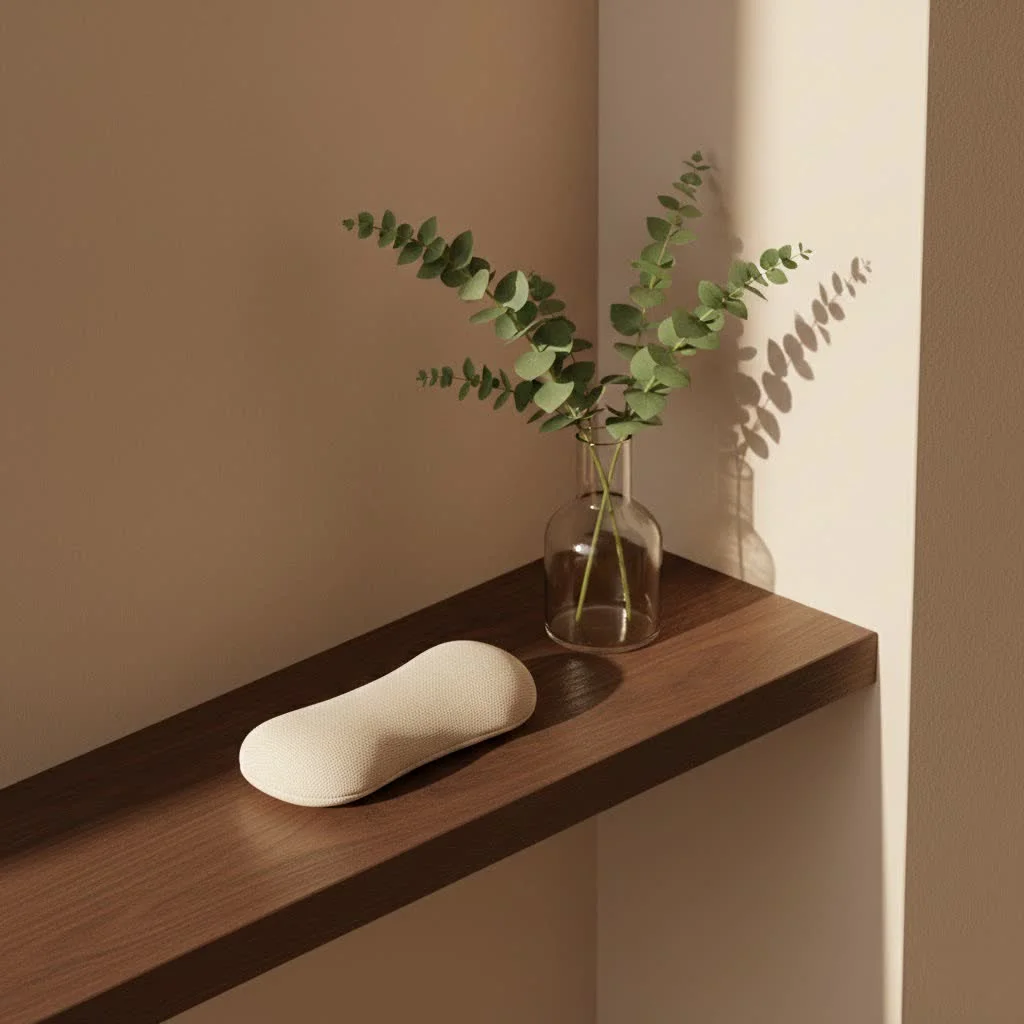
Why You Need a Mouse Mat and Wrist Rest: Unveiling the Benefits
Many people wonder if a mouse mat and wrist rest truly make a difference. As someone who has dedicated over a decade to researching and developing ergonomic accessories, I can confidently say they are game-changers. Their primary goal is to support your hand and wrist in a neutral, relaxed position, significantly reducing the risks associated with prolonged computer use.
Preventing Strain and Injury (Carpal Tunnel, RSI)
One of the most compelling reasons to invest in these ergonomic tools is their ability to combat common computer-related injuries. Without proper support, your wrist can extend or bend awkwardly for extended periods, putting pressure on the median nerve. This can lead to conditions like Carpal Tunnel Syndrome (CTS), characterized by pain, numbness, and tingling in the hand and fingers. Similarly, repetitive strain injuries (RSI) are a real concern for anyone performing continuous, identical motions. An ergonomic mouse mat and wrist rest act as a buffer, minimizing the impact of these repetitive movements and providing crucial cushioning. They prevent your wrist from resting directly on the hard, unforgiving edge of your desk, which can create painful pressure points and ultimately contribute to nerve compression.
Promoting Neutral Posture
The core principle of ergonomics is maintaining a “neutral” posture, where your body parts are aligned naturally and without strain. For your wrist, this means keeping it straight, aligning your hand and forearm as if you were shaking someone’s hand. Wrist rests, particularly those integrated into mouse mats, are designed to elevate your palm and the base of your hand just enough to achieve this neutral position. This subtle lift helps prevent downward bending of the wrist during mouse movement and typing, ensuring that tendons and nerves operate freely and without impingement.
Reducing Pressure Points
|
Our Picks for the Best Wrist Rest in 2026
As an Amazon Associate I earn from qualifying purchases.
|
||
| Num | Product | Action |
|---|---|---|
| 1 | GORILLA GRIP Silky Memory Foam Wrist Rest for Computer Keyboard, Mouse, Ergonomic Design for Typing Pain Relief, Desk Pads Support Hand and Arm, Mousepad Rests, Stain Resistant, 2 Piece Pad, Black |

|
| 2 | LỖI |
|
| 3 | MEKASS Ergonomic Wrist Rest for Keyboard and Mouse, Soft Memory Foam Keyboard Wrist Rest Set with Non-Slip Silicone Base, Easy Typing, Pain Relief, Comfort for Office, Work, Gaming (Classic Black) |
|
| 4 | LỖI |
|
| 5 | LỖI |
|
| 6 | Vaydeer Wrist Rest for Keyboard and Mouse, Computer Ergonomic Wrist Support Pad, Soft Memory Foam Arm Cushion for Desk, Palm Hand Office Laptop Typing |
|
| 7 | MROCO Ergonomic Mouse Pad with Gel Wrist Rest, Smooth Wrist Support Surface, Non-Slip PU Base for Pain Relief, Comfortable Mousepad for Computer, Laptop, Office & Home, 9.4 x 8.1 in, Black Flower |
|
| 8 | Keyboard Stand with Wrist Rest - Comfortable Wrist Pad for Easy Typing, Keyboard Tray for Office, Home, School (Fits Most Standard Keyboards) |
|
| 9 | MROCO Ergonomic Mouse Pad with Gel Wrist Rest, Comfortable Mousepad with Smooth Wrist Support Surface and Non-Slip PU Base for Pain Relief, Computer, Laptop, Office & Home, 9.4 x 8.1 in, Blue Marble |
|
| 10 | MROCO Ergonomic Mouse Pad with Gel Wrist Rest, Smooth Wrist Support Surface, Non-Slip PU Base for Pain Relief, Comfortable Mousepad for Computer, Laptop, Office & Home, 9.4 x 8.1 in, Cloud Forest |
|
Think about how your wrist often presses against the sharp edge of your desk. Over time, this constant pressure can lead to discomfort, red marks, and even localized pain. A quality wrist rest, typically made of soft, conforming materials, distributes this pressure evenly across a larger surface area. This simple act can make a world of difference, preventing soreness and contributing to a more comfortable computing experience, especially during marathon sessions.
Enhancing Comfort and Productivity
When your hands and wrists are comfortable, you’re naturally more focused and productive. Eliminating discomfort and pain allows you to concentrate on your tasks rather than shifting positions to find relief. An ergonomic mouse mat also provides a smooth, consistent surface for your mouse, allowing for precise cursor control without excessive effort, further contributing to a seamless and efficient workflow. Imagine the relief of ending your workday without that familiar ache – that’s the promise of proper ergonomic support.
Decoding the Options: Types of Mouse Mats and Wrist Rests
The world of mouse mats and wrist rests offers a surprising variety, each designed to cater to different preferences and needs. Understanding these options is key to making an informed choice.
Materials Matter: Gel, Memory Foam, and More
The material of your wrist rest significantly impacts comfort, support, and durability.
- Gel: Gel wrist rests are popular for their soft, squishy texture and often feature a cooling sensation. They conform well to the shape of your wrist, distributing pressure evenly and providing excellent cushioning. They are also typically easy to clean.
- Memory Foam: Known for its ability to mold to your body’s contours, memory foam offers personalized support. It slowly springs back into shape, providing a custom fit that cradles your palm and wrist. This material is superb for sustained comfort and reducing localized pressure.
- Standard Foam: A more affordable option, standard foam provides basic cushioning. While lighter, it may not offer the same level of contouring or long-term support as gel or memory foam.
- Silicone or Rubber: These materials tend to be firmer and more durable, making them suitable for high-use environments. They provide robust support but might not offer the same plush comfort as gel or memory foam.
- Fabric with Beads: Some wrist rests are filled with small beads, offering a flexible and adaptable support that can be shaped to your preference.
Integrated vs. Separate Designs
When it comes to mouse mats and wrist rests, you generally have three main configurations:
- Ergonomic Mouse Pads with Built-in Rests: These combine a smooth surface for mouse tracking with an integrated wrist support. They are convenient, ensuring your mouse and wrist rest are always in the optimal position relative to each other.
- Separate Mouse Wrist Supports: These are standalone pads placed next to your mouse, offering flexible positioning and allowing you to pair them with any mouse mat.
- Keyboard Wrist Rests: These are longer, rectangular pads designed to run along the bottom edge of your keyboard, providing continuous support for both hands while typing. Many users opt for both a mouse wrist rest and a keyboard wrist rest for comprehensive ergonomic coverage.
Size and Shape Considerations
The ideal size and shape depend on your workspace and how you use your mouse.
- Rectangular Mouse Pads: These offer ample space for broad mouse movements and can accommodate a variety of hand sizes. If you’re a gamer or use a low DPI setting, a larger pad might be beneficial.
- Contoured Mouse Pads: Designed to fit the natural curve of your hand, these can provide more targeted support and reduce strain on specific areas.
- Desk Space: Always measure your available desk real estate before purchasing. An overly large mouse mat can clutter your desk, while one that’s too small might restrict your mouse movements.
Choosing Your Perfect Match: A Practical Guide
Selecting the right mouse mat and wrist rest isn’t a one-size-fits-all endeavor. It’s about finding what works best for your unique needs and setup.
Assess Your Workspace and Usage
Before you dive into options, take a moment to evaluate your current setup. How much desk space do you have? Do you primarily use a mouse for precise design work, intense gaming, or general office tasks? How many hours a day do you spend at your computer? These factors will influence the size, material, and type of support you need. For example, a professional gamer might prioritize a large mouse mat with a smooth surface for quick, unhindered movements, coupled with a robust wrist rest for long sessions.
Prioritize Material for Your Needs
Consider what kind of comfort you seek. If you tend to run hot, a gel wrist rest might offer a pleasant cooling sensation. If you prefer a custom, cradling feel, memory foam could be your best bet. Think about durability and ease of cleaning, especially if you snack at your desk or use your computer frequently. Some materials are naturally more resistant to wear and tear or have antimicrobial properties.
The Right Fit for Your Hand
While many wrist rests are universally designed, some contoured options might provide a more natural fit for your specific hand shape. When trying out a wrist rest, ensure it supports the base of your palm, not just your wrist joint, which can put unnecessary pressure on nerves. The height of the wrist rest should allow your hand, wrist, and forearm to form a relatively straight line.
Non-Slip Base: A Must-Have
A frustrating experience is a mouse mat that slides around your desk. Look for products with a robust non-slip base, typically made of rubber or silicone. This ensures stability, allowing for precise mouse movements without constant adjustments and maintaining optimal ergonomic positioning throughout your use.
Master the Setup: How to Use Your Mouse Mat and Wrist Rest Correctly
Even the best ergonomic tools can be ineffective if used improperly. The key to maximizing the benefits of your mouse mat and wrist rest lies in correct positioning.
The “Palm, Not Wrist” Principle
This is perhaps the most crucial distinction to understand. While commonly called “wrist rests,” these devices are designed to support the palm or the base of your hand, just before the wrist joint, rather than the sensitive wrist joint itself. Resting your actual wrist on a hard surface or even a soft one can compress nerves and blood vessels, potentially exacerbating problems like carpal tunnel syndrome. The goal is to keep your wrist lifted and straight, using the rest for the fleshy part of your palm during pauses in typing or mousing, allowing your muscles to relax.
Achieving Neutral Alignment
When you’re actively typing or using your mouse, your hand, wrist, and forearm should ideally form a straight line. The wrist rest should be there to support your palm when you take a brief break, not to elevate or prop up your wrist while you’re moving the mouse or striking keys. Maintaining this neutral alignment reduces awkward bending and minimizes strain on your tendons and nerves.
Optimal Positioning
Your entire workstation plays a role in ergonomics. Ensure your keyboard and mouse are positioned so your elbows are bent at approximately a 90-degree angle, close to your body. Your mouse mat and wrist rest should be at the same height as your keyboard and desk surface, preventing any unnecessary angling of your wrist. Experiment with the placement to find the sweet spot where your arm muscles feel relaxed and your wrist remains straight.
MMPok’s Expert Insights on Wrist Health
As advocates for digital well-being at MMPok, we regularly consult with leading experts in ergonomics. Dr. Elara Vance, MMPok’s Lead Ergonomist, emphasizes, “A well-chosen mouse mat and wrist rest are foundational elements of an ergonomic workstation. They work in tandem to prevent common ailments, but their effectiveness hinges on correct usage. Think of them as preventative care for your hands, just as important as a good chair for your back.” Her advice underscores the importance of a holistic approach to your workspace.
Maintenance Tips for Longevity
To ensure your mouse mat and wrist rest continue to provide optimal support and remain hygienic, a little maintenance goes a long way. Most gel or memory foam wrist rests can be wiped clean with a damp cloth and mild soap. Fabric-covered mats might require gentle handwashing or spot cleaning. Always refer to the manufacturer’s instructions for specific cleaning guidelines. Regular cleaning prevents the buildup of dirt and oils, which can degrade materials over time and make your setup less comfortable.
FAQ
Q: Are wrist rests bad for you if used incorrectly?
A: Yes, if you rest your actual wrist joint on the support while actively typing or mousing, it can put undue pressure on nerves and blood vessels, potentially leading to or worsening conditions like carpal tunnel syndrome. The support should be for your palm or the base of your hand during pauses.
Q: What’s the difference between a wrist rest and a palm rest?
A: Functionally, they are often the same product. “Palm rest” is arguably a more accurate term because the ideal use is to support the fleshy part of your palm or the base of your hand, not the bony wrist joint itself, to maintain a neutral alignment.
Q: How often should I replace my wrist rest?
A: The lifespan varies by material and usage. Generally, when a gel or memory foam rest loses its shape, firmness, or cushioning, it’s time for a replacement. Visible wear and tear, or a decrease in comfort and support, are also indicators.
Q: Can a mouse mat without a wrist rest still be ergonomic?
A: A high-quality, smooth mouse mat itself improves mouse tracking and reduces effort, contributing to ergonomics. However, for comprehensive wrist support, especially during breaks or if you tend to rest your hand, a separate or integrated wrist rest is highly recommended.
Q: Are there gaming-specific mouse mats and wrist rests?
A: Absolutely! Gaming mouse mats often feature larger surfaces for extensive mouse movement and optimized textures for precision. Many gaming brands also offer wrist rests, sometimes with more robust support or cooling features, designed to withstand intense, prolonged gaming sessions.
Conclusion
The journey to an ergonomic workspace is a marathon, not a sprint, and your mouse mat and wrist rest are crucial companions. They are more than just accessories; they are investments in your health, comfort, and productivity. By understanding their benefits, the various types available, and most importantly, how to use them correctly, you can transform your digital experience, preventing discomfort and fostering a healthier interaction with your computer. Don’t let wrist pain become an unwelcome part of your daily routine. Take the proactive step towards a more comfortable and productive future with the right mouse mat and wrist rest. At MMPok, we believe everyone deserves a workspace that supports their well-being, enabling you to focus on what you do best, without compromise.
Get our weekly buyer guide
Practical specs, not advice. Unsubscribe anytime.