In our modern world, where keyboards and mice are extensions of our hands, the constant demands of digital work and immersive gaming can take a serious toll on our wrists. Many of us spend countless hours clicking, typing, and navigating, often without realizing the silent strain building up in our most critical connection to the digital realm. This is where a high-quality Keyboard Mouse Wrist Rest becomes not just an accessory, but a crucial component of a healthy, productive workspace. At MMPok, we believe in empowering our community with the knowledge to make informed choices, transforming discomfort into a seamless, ergonomic experience. Let’s dive deep into understanding these essential tools.
Why You Need a Keyboard Mouse Wrist Rest: Unveiling the Benefits
So, what exactly is a keyboard mouse wrist rest? Simply put, it’s a padded support designed to be placed in front of your keyboard or mouse. Its primary role is to cushion your wrists, encourage a natural, neutral position, and significantly reduce the pressure that builds up during prolonged computer use. But the benefits extend far beyond simple cushioning.
These ergonomic marvels work diligently to:
- Promote Neutral Wrist Posture: The most critical benefit is helping your wrists maintain a straight, natural alignment. This reduces awkward bending, preventing strain and lowering the risk of injury. Think of it as keeping your wrists in a handshake position rather than bent up or down.
- Alleviate Pressure Points: Hard desk edges can create painful pressure points on the underside of your wrists. A well-designed wrist rest acts as a soft barrier, distributing pressure evenly and eliminating red marks, soreness, and long-term discomfort.
- Boost Comfort During Long Sessions: Whether you’re a professional typist, an avid gamer, or a creative designer, extended periods at your desk can lead to fatigue. A wrist rest helps you stay comfortable by reducing muscle tension and wrist pressure, allowing you to focus on your tasks without distraction.
- Reduce Muscle Fatigue: Did you know that proper wrist support can significantly reduce muscle fatigue in your upper arms? Some studies suggest a reduction of up to 32% during long typing sessions. This means more energy and less exhaustion at the end of the day.
- Prevent Repetitive Strain Injuries (RSIs): By maintaining that neutral wrist position and reducing strain on delicate nerves and tendons, a keyboard mouse wrist rest plays a vital role in preventing common RSIs like carpal tunnel syndrome and tendonitis. It’s about proactive health, not just reactive pain relief.
Do Keyboard Mouse Wrist Rests Prevent Carpal Tunnel Syndrome?
|
Our Picks for the Best Wrist Rest in 2026
As an Amazon Associate I earn from qualifying purchases.
|
||
| Num | Product | Action |
|---|---|---|
| 1 | GORILLA GRIP Silky Memory Foam Wrist Rest for Computer Keyboard, Mouse, Ergonomic Design for Typing Pain Relief, Desk Pads Support Hand and Arm, Mousepad Rests, Stain Resistant, 2 Piece Pad, Black |

|
| 2 | MROCO Ergonomic Mouse Pad with Gel Wrist Rest, Smooth Wrist Support Surface, Non-Slip PU Base for Pain Relief, Comfortable Mousepad for Computer, Laptop, Office & Home, 9.4 x 8.1 in, Black Flower |
|
| 3 | MROCO Ergonomic Mouse Pad with Gel Wrist Rest, Comfortable Mousepad with Smooth Wrist Support Surface and Non-Slip PU Base for Pain Relief, Computer, Laptop, Office & Home, 9.4 x 8.1 in, Blue Marble |
|
| 4 | MEKASS Ergonomic Wrist Rest for Keyboard and Mouse, Soft Memory Foam Keyboard Wrist Rest Set with Non-Slip Silicone Base, Easy Typing, Pain Relief, Comfort for Office, Work, Gaming (Classic Black) |
|
| 5 | MROCO Ergonomic Mouse Pad with Gel Wrist Rest, Smooth Wrist Support Surface, Non-Slip PU Base for Pain Relief, Comfortable Mousepad for Computer, Laptop, Office & Home, 9.4 x 8.1 in, Cloud Forest |
|
| 6 | LỖI |
|
| 7 | LỖI |
|
| 8 | Vaydeer Wrist Rest for Keyboard and Mouse, Computer Ergonomic Wrist Support Pad, Soft Memory Foam Arm Cushion for Desk, Palm Hand Office Laptop Typing |
|
| 9 | Keyboard Stand with Wrist Rest - Comfortable Wrist Pad for Easy Typing, Keyboard Tray for Office, Home, School (Fits Most Standard Keyboards) |
|
| 10 | LỖI |
|
This is a frequently asked question, and the answer, like many things in ergonomics, isn’t a simple yes or no. A keyboard mouse wrist rest, when used correctly, can absolutely be a powerful ally in preventing the onset and aggravation of carpal tunnel syndrome (CTS) and other RSIs. By encouraging a neutral wrist posture, it helps minimize the compression of the median nerve, which is a key factor in CTS.
However, it’s crucial to understand that a wrist rest isn’t a magic bullet or a standalone cure. If used improperly—for example, by resting your actual wrist on the pad while typing and applying pressure—it can ironically increase the risk of injury by compressing the very nerves and tendons it’s meant to protect. Effective prevention involves a holistic approach: regular breaks, stretching exercises, and an overall ergonomically sound workstation setup. If you’re experiencing symptoms, always seek professional medical advice.
Beyond the Basics: Exploring Types of Keyboard Mouse Wrist Rests
Just as no two people are exactly alike, neither are all wrist rests. They come in a variety of materials, each offering a unique feel and set of advantages. Understanding these differences is key to finding your perfect ergonomic companion.
Gel Wrist Rests: Cool Comfort and Consistent Support
Gel wrist rests are often favored for their unique properties. Filled with a pliable gel, they offer a firm yet yielding support that maintains its shape over time. They tend to stay cooler to the touch, which can be a welcome relief during intense sessions, and their surfaces are generally easy to wipe clean. However, some users might find the typical plastic-like surface less breathable than fabric, and there’s a minor risk of punctures if not handled with care.
Memory Foam Wrist Rests: Plush Cushioning for Sensitive Wrists
Memory foam is a popular choice for its luxurious feel. This material excels at conforming to the natural contours of your wrists, distributing pressure evenly and providing a soft, plush cushioning that many find exceptionally comfortable, especially those with sensitive or already painful wrists. The downside is that memory foam can compress over extended use, gradually losing its bounce. It also tends to retain body heat more than gel, and fabric covers may show dirt more readily.
Wooden and Other Materials: A Touch of Style and Firmness
Beyond gel and memory foam, the world of wrist rests offers more specialized options:
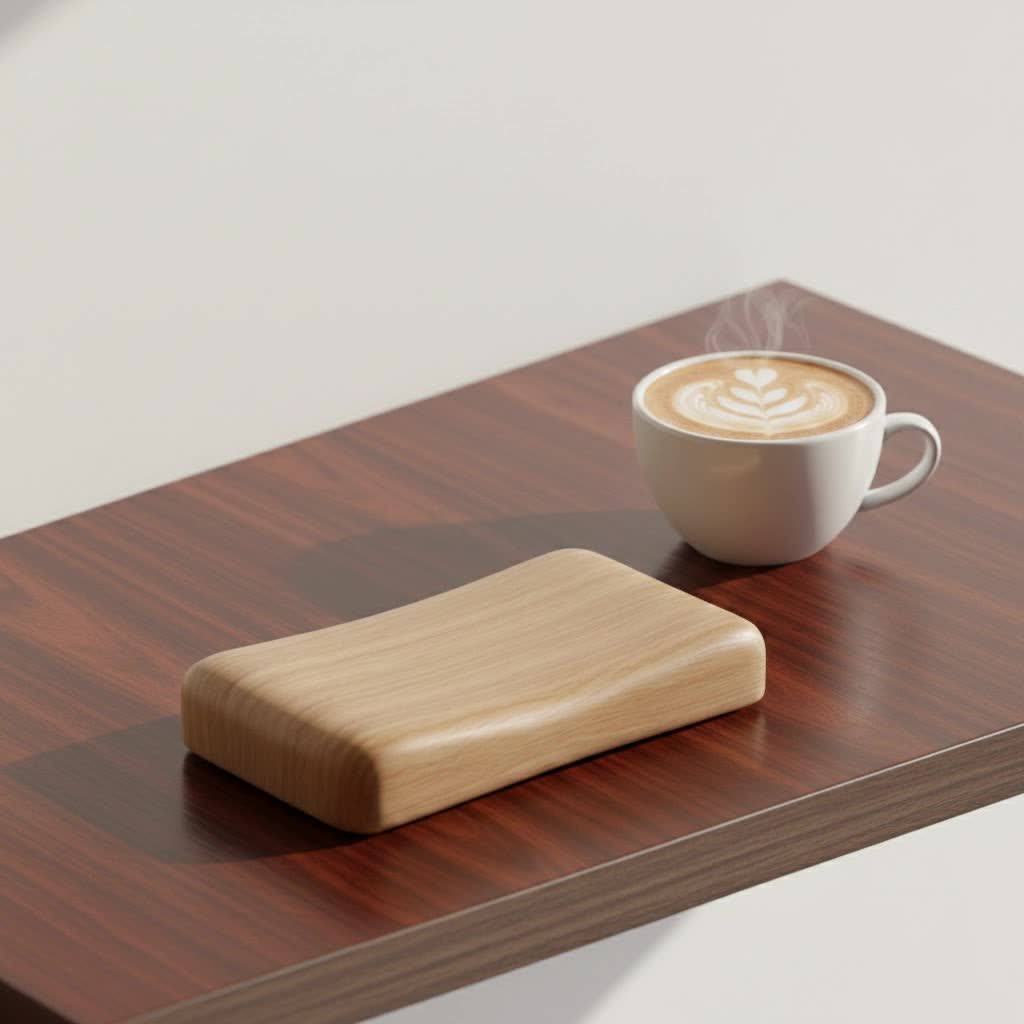
- Wooden Wrist Rests: Often chosen for their aesthetic appeal and durability, wooden wrist rests provide a firmer, more stable support, particularly popular with mechanical keyboard users. They typically feature a smooth, sweat-resistant coating and a non-slip base. While not as soft, they offer precise ergonomic positioning.
- Silicone Wrist Rests: Known for their exceptional durability and ease of cleaning, silicone rests often provide a firmer, sturdy support, making them a robust choice for those who prioritize longevity and resilience.
- Leather/PU Leather Wrist Rests: For those seeking a premium look and feel, leather or PU leather options combine elegance with a firm yet comfortable surface, adding a touch of sophistication to any desk setup.
- Beaded Wrist Rests: These feature a poly/cotton blend exterior filled with small beads. They are highly breathable, comfortable, and can adapt well to various wrist shapes. Many are also easy to clean, some even being machine washable.
Your Perfect Match: How to Choose the Right Keyboard Mouse Wrist Rest
Selecting the ideal keyboard mouse wrist rest is a personal journey. It’s not just about aesthetics; it’s about finding the perfect blend of support, comfort, and compatibility for your unique setup and needs.
Sizing Up Your Setup: Keyboard and Mouse Compatibility
One of the most crucial considerations is matching the wrist rest to your existing gear. Keyboards come in various layouts, and wrist rests are designed to correspond:
- Compact/60% Keyboards: These typically require wrist rests around 11-12 inches long.
- Tenkeyless (TKL) Keyboards: For keyboards without a number pad, look for rests in the 14-15 inch range.
- Full-Size Keyboards: Standard keyboards with a number pad will need a longer rest, usually 17-18 inches.
For mouse users, dedicated mouse wrist rests are available, sometimes integrated into mouse pads. It’s also vital that the wrist rest’s height is flush with the front edge of your keyboard, ensuring a seamless transition and proper wrist alignment. A gap or an overly high rest can defeat the ergonomic purpose.
Finding Your Feel: Firmness and Material Choices
Your personal preference for firmness is paramount. Do you prefer a soft, plush cushion that cradles your wrists, or a firmer, more stable surface that provides unwavering support? Gel offers a consistent, slightly firmer feel, while memory foam provides a softer, more adaptive experience. Consider factors like heat retention, ease of cleaning, and durability when making your material choice. Regardless of material, always ensure the rest has a non-slip base to keep it securely in place during active use.
Integrated vs. Standalone: What Works for You?
Some keyboards come with integrated wrist rests, while others require separate purchases. Standalone wrist rests offer greater flexibility in terms of material, style, and positioning. Many users opt for both a keyboard and a mouse wrist rest, creating a complete ergonomic solution for both hands.
Master the Art of Resting: Proper Usage for Maximum Benefit
Having the best keyboard mouse wrist rest is only half the battle; knowing how to use it correctly is where true ergonomic mastery lies. Misuse can negate all the potential benefits and, in some cases, even exacerbate discomfort.
The Golden Rule: Float, Don’t Rest While Typing
This is the most critical piece of advice: your hands should hover freely above the wrist rest while you are actively typing or mousing. The wrist rest is intended to provide support during pauses between movements, allowing your muscles to relax and preventing tension buildup. When you do rest, the pad should make contact with the heel or palm of your hand, not the soft underside of your wrist. Pressure directly on the wrist can compress nerves and reduce blood flow, leading to numbness or tingling. Think of it as a comfortable landing strip for quick breaks, not a permanent bed for your wrists.
Setting Up Your Ergonomic Haven: Workstation Alignment
A wrist rest works best as part of a holistic ergonomic setup. Ensure your chair, desk, and keyboard are all aligned to support a natural posture. Your forearms should be in a straight, relaxed line with your elbows bent at a comfortable 90-degree angle. Position the wrist rest flush with the front edge of your keyboard or right beside your mouse. This integrated approach ensures your entire arm and shoulder complex is supported, not just your wrists.
What Happens If You Use It Incorrectly?
Using a wrist rest incorrectly, particularly by resting your wrists directly on it while typing or applying constant pressure, can have adverse effects. This can lead to compression of the carpal tunnel and median nerve, restricting blood flow and potentially increasing the risk of carpal tunnel syndrome, numbness, tingling, or accelerated muscle fatigue. Remember, the goal is a neutral, relaxed position, not a fixed, pressured one.
Expert Insights from MMPok: A Word on Wrist Health
At MMPok, we’re passionate about promoting well-being in the digital age. As Dr. Lena Nguyen, Lead Ergonomics Researcher at MMPok, often says, “A wrist rest is like a good friend—there to support you when you need a break, not to lean on constantly. Understanding its role is key to unlocking true ergonomic harmony.” This philosophy guides our recommendations and content, focusing on practical, actionable advice.
Conclusion
Choosing and correctly utilizing a keyboard mouse wrist rest is a small but significant investment in your long-term health and productivity. By understanding the different types, selecting the right one for your setup, and mastering proper usage, you can transform your workspace into a haven of comfort and efficiency. Say goodbye to wrist strain and hello to effortless hours at your computer. Optimize your workspace today with MMPok’s guidance and experience the difference a well-supported wrist can make. Your hands will thank you!
