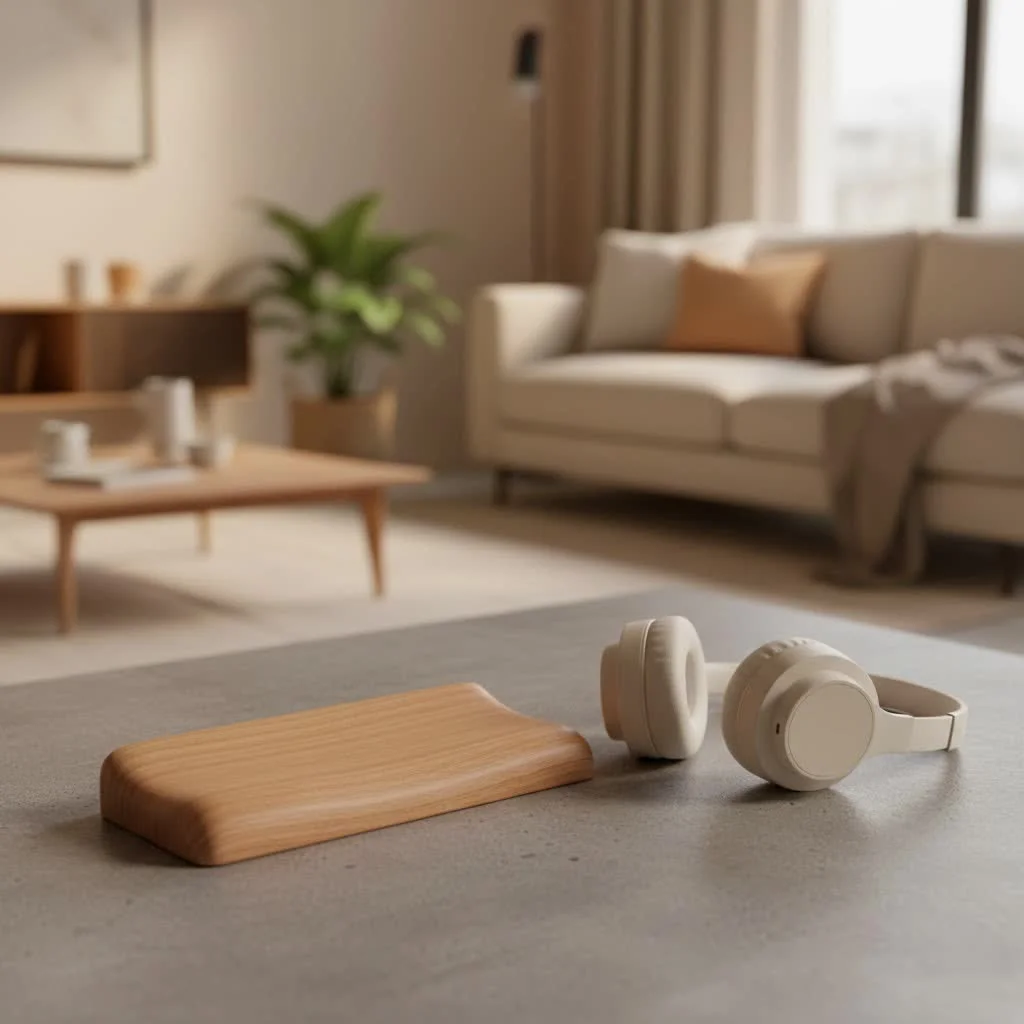
A computer wrist rest is a cushioned support placed in front of a keyboard or mouse, designed to help maintain a neutral, straight wrist position and reduce strain during extended computer use. These ergonomic tools are crucial for preventing discomfort, repetitive strain injuries (RSIs), and carpal tunnel syndrome, especially for individuals who spend many hours typing or gaming. Proper use involves resting the heels of your palms between typing sessions, not actively supporting your wrists while typing.
 wrist rest for keyboard” style=”margin: 20px auto;width: 800px;max-width: 100%;height: auto” />
What Exactly is a Computer Wrist Rest?
At its core, a computer wrist rest is a cushioned support designed to be placed directly in front of your keyboard or mouse. Think of it as a soft landing strip for your hands. While it seems simple, its purpose is profound: to help you maintain a neutral, straight wrist position, reducing strain and preventing discomfort during extended computer use. It’s more than just a soft pad; it’s a carefully engineered ergonomic tool aimed at protecting one of the most hardworking joints in your body. For compare top ergonomic computer on this site.
Why Your Wrists Deserve a Break: The Undeniable Benefits of a Wrist Rest
For many, a wrist rest is an afterthought, but for those who spend significant time at a keyboard or mouse, it’s a major upgrade. The benefits extend far beyond mere comfort.
Preventing Repetitive Strain Injuries (RSIs) and Carpal Tunnel Syndrome
Have you ever noticed your wrists bending upwards or downwards while you type? This unnatural posture, repeated thousands of times daily, is a prime culprit behind painful conditions like Carpal Tunnel Syndrome (CTS) and various Repetitive Strain Injuries (RSIs). A computer wrist rest helps keep your wrists in a straight, neutral alignment, dramatically minimizing the stress on the delicate tendons and nerves that run through your carpal tunnel. By promoting this ergonomic wrist support, you’re actively safeguarding your hands and forearms from chronic pain and inflammation.
Boosting Comfort and Productivity
When your wrists are constantly strained or pressed against a hard desk edge, discomfort inevitably sets in. This can lead to frequent breaks, shifts in posture, and a general loss of focus. A well-designed computer wrist rest provides a cushioned surface, distributing pressure evenly across the heel of your palm and relaxing muscles in your hands and forearms. When you’re comfortable, you’re more productive, pure and simple. You can work longer, more efficiently, and without the nagging distractions of pain.
Enhancing Overall Ergonomic Posture
It’s all connected! Awkward wrist postures often force your shoulders to hunch, your neck to crane, and your back to slouch. By encouraging a neutral wrist position, a computer wrist rest helps improve your entire upper body posture. This domino effect reduces strain not just on your wrists, but also on your neck, shoulders, and upper back, contributing to a more wholesome ergonomic setup and reducing the risk of musculoskeletal issues throughout your body.
Decoding the Materials: Which Wrist Rest is Right for You?
The world of computer wrist rests offers a variety of materials, each with its unique feel and benefits. Understanding these differences is key to finding your perfect match.
Gel Wrist Rests
|
Our Picks for the Best Wrist Rest in 2026
As an Amazon Associate I earn from qualifying purchases.
|
||
| Num | Product | Action |
|---|---|---|
| 1 | MROCO Ergonomic Mouse Pad with Gel Wrist Rest, Smooth Wrist Support Surface, Non-Slip PU Base for Pain Relief, Comfortable Mousepad for Computer, Laptop, Office & Home, 9.4 x 8.1 in, Cloud Forest |

|
| 2 | LỖI |
|
| 3 | LỖI |
|
| 4 | GORILLA GRIP Silky Memory Foam Wrist Rest for Computer Keyboard, Mouse, Ergonomic Design for Typing Pain Relief, Desk Pads Support Hand and Arm, Mousepad Rests, Stain Resistant, 2 Piece Pad, Black |
|
| 5 | MROCO Ergonomic Mouse Pad with Gel Wrist Rest, Smooth Wrist Support Surface, Non-Slip PU Base for Pain Relief, Comfortable Mousepad for Computer, Laptop, Office & Home, 9.4 x 8.1 in, Black Flower |
|
| 6 | MROCO Ergonomic Mouse Pad with Gel Wrist Rest, Comfortable Mousepad with Smooth Wrist Support Surface and Non-Slip PU Base for Pain Relief, Computer, Laptop, Office & Home, 9.4 x 8.1 in, Blue Marble |
|
| 7 | Keyboard Stand with Wrist Rest - Comfortable Wrist Pad for Easy Typing, Keyboard Tray for Office, Home, School (Fits Most Standard Keyboards) |
|
| 8 | MEKASS Ergonomic Wrist Rest for Keyboard and Mouse, Soft Memory Foam Keyboard Wrist Rest Set with Non-Slip Silicone Base, Easy Typing, Pain Relief, Comfort for Office, Work, Gaming (Classic Black) |
|
| 9 | LỖI |
|
| 10 | Vaydeer Wrist Rest for Keyboard and Mouse, Computer Ergonomic Wrist Support Pad, Soft Memory Foam Arm Cushion for Desk, Palm Hand Office Laptop Typing |
|
What are they? Gel wrist rests are typically filled with a soft, squishy gel that provides firm, consistent support.
Pros: They maintain their shape well over time, often feel cooler to the touch (a godsend during long sessions!), and are generally easy to clean. Their consistent firmness offers reliable support.
Cons: Some users might find them a bit too firm initially, and the outer plastic surface can sometimes be a point of contention. They can also be susceptible to punctures.
Ideal for: Users who prioritize firm, long-lasting support and easy maintenance, especially in warmer environments.
Memory Foam Wrist Rests
What are they? Memory foam wrist rests conform to the shape of your wrists, offering a softer, more plush cushioning experience.
Pros: Known for their exceptional comfort, they “hug” your wrists, providing personalized support that can be excellent for sensitive or already painful wrists. They offer a gentle, yielding feel.
Cons: Over time, memory foam can compress and lose its shape. It also tends to retain body heat, which might make it less comfortable for some during extended use. Fabric covers can also show dirt more easily.
Ideal for: Those seeking a softer, more adaptive feel and maximum cushioning comfort, particularly if they have existing wrist sensitivity.
Beyond Gel and Foam: Other Materials
While gel and memory foam dominate the market, other materials offer unique advantages:
- Silicone: Highly durable, easy to clean, and often firmer than gel.
- Wood: Provides a very firm, stable, and aesthetically pleasing option, particularly popular with mechanical keyboard enthusiasts. They are durable and often come with smooth, sweat-resistant coatings.
- Beaded: Offers adjustability and breathability, as the beads shift to conform. Many come with machine-washable covers.
- Leather/PU Leather: Delivers a premium look and feel, combining firmness with a comfortable, sleek surface.
The Art of Selection: How to Choose Your Ideal Computer Wrist Rest
Choosing the right computer wrist rest isn’t a one-size-fits-all endeavor. It involves understanding your unique needs and workstation setup.
Matching Your Keyboard
Your wrist rest should seamlessly integrate with your keyboard. Consider:
- Length: A full-sized keyboard will require a longer wrist rest, while tenkeyless (TKL) or compact keyboards will need shorter options. A good fit ensures continuous support across your typing area.
- Width: The wrist rest should be wide enough to support the heels of both palms comfortably, without feeling restrictive.
Finding the Perfect Height
The ideal wrist rest height is one that allows your wrists to remain straight, forming a neutral line with your forearms and hands.
- Low Profile (around 0.5 inches): Suitable for those with minimal keyboard elevation or a shallow typing angle.
- Medium Height (typically 1-1.5 inches): Provides moderate elevation for most standard typing positions.
- High Profile (approximately 2 inches or taller): Offers significant elevation for users needing extra support or higher typing postures.
If possible, look for adjustable height options to fine-tune your ergonomic setup.
Considering Firmness
Your personal preference plays a big role here.
- Soft: Generally preferred for maximum comfort during long office work.
- Firm: Often favored by gamers or those who need more precise support and durability.
The goal is sufficient cushioning to prevent pressure points, without being so soft that your wrists sink in and lose their neutral alignment.
Essential Features to Look For
Beyond material and size, a few features can improve your wrist rest experience:
- Anti-Slip Base: Crucial for stability, preventing the rest from sliding around during intense typing or gaming. Look for rubberized or silicone bases.
- Easy-to-Clean Surface: Especially important for hygiene. Materials that can be wiped down or have machine-washable covers are a major plus.
- Rounded Edges: To minimize pressure on your skin and underlying tissues.
Mastering the “Rest”: Proper Usage for Maximum Benefit
This is perhaps the most crucial—and often misunderstood—aspect of using a computer wrist rest. Many people unwittingly use them incorrectly, potentially doing more harm than good.
Here’s the golden rule: A computer wrist rest is for resting between typing sessions, not for actively supporting your wrists while you type.
“Many users mistakenly rest their wrists directly on the support while typing,” explains Dr. Anya Sharma, Ergonomics Specialist at MMPok. “However, the true benefit comes from resting the heels of your palms during breaks, allowing your wrists to maintain a straight, neutral posture, and preventing harmful pressure on critical nerves.”
While typing, your hands should ideally “float” just above the keyboard, allowing your larger arm and shoulder muscles to do the work, not just your smaller wrist and finger muscles. The wrist rest provides a comfortable, neutral perch for the heels of your palms during pauses, giving your wrists a much-needed break from suspension. It should not cause you to bend your wrists upwards or anchor them in a fixed position.
Integrate your computer wrist rest into a holistic ergonomic setup. Ensure your chair height, desk height, and keyboard placement all contribute to maintaining a neutral, comfortable posture.
FAQs About Computer Wrist Rests
Are wrist rests bad for you if used incorrectly?
Yes, absolutely. If you rest your wrists directly on the pad while actively typing, it can compress nerves and tendons, potentially exacerbating issues like carpal tunnel syndrome instead of preventing them. Always to support the heel of your palm during breaks, not your wrist while typing.
How often should I replace my wrist rest?
The lifespan varies by material and usage. Memory foam might show wear and compression faster (1-2 years), while gel, silicone, or wood options can last significantly longer (3-5+ years). Replace it when it loses its supportive qualities, shows significant compression, or becomes unhygienic.
Can gamers benefit from wrist rests?
Definitely! Gamers often engage in rapid, repetitive movements for extended periods. A good computer wrist rest can reduce fatigue, prevent strain, and enhance stability during intense gaming sessions, leading to improved performance and long-term wrist health. Many gaming-specific wrist rests offer cooling features or non-slip surfaces for optimal stability.
Is one wrist rest enough for both keyboard and mouse?
While you can use one long wrist rest for both, using a separate, appropriately sized wrist rest for your mouse is often recommended. This ensures both hands receive tailored ergonomic support, preventing uneven strain and promoting a more natural, fluid movement for your mouse hand.
Conclusion
Your computer is an indispensable tool, but neglecting your ergonomics can turn it into a source of chronic pain. A well-chosen and correctly used computer wrist rest is a small investment that yields immense returns in comfort, health, and productivity. By understanding the different types, choosing wisely based on your needs, and adhering to proper usage guidelines, you can improve your workspace into a haven of ergonomic excellence. Say goodbye to wrist pain and hello to countless hours of comfortable computing. Explore the world of ergonomic accessories with MMPok and take the first step towards a healthier, happier you!
Frequently Asked Questions
Are wrist rests bad for you if used incorrectly?
Yes, incorrect use can exacerbate issues like carpal tunnel syndrome. If you rest your wrists directly on the pad while actively typing, it can compress nerves and tendons. Always support the heel of your palm during breaks, not your wrist while typing.
How often should I replace my computer wrist rest?
The lifespan varies by material and usage. Memory foam wrist rests may need replacement every 1-2 years, while gel, silicone, or wood options can last 3-5+ years. Replace it when it loses supportive qualities or becomes unhygienic.
Can gamers benefit from using a wrist rest?
Absolutely, gamers can significantly benefit from wrist rests. These accessories reduce fatigue, prevent strain, and enhance stability during intense gaming sessions, leading to improved performance and long-term wrist health. Many gaming-specific models offer cooling features.
Is one wrist rest sufficient for both keyboard and mouse use?
While a single long wrist rest can be used for both, it is often recommended to use separate, appropriately sized wrist rests for your keyboard and mouse. This ensures tailored ergonomic support for each hand, preventing uneven strain and promoting natural movement.
What are the main types of materials used for wrist rests?
The main types of materials for wrist rests include gel, memory foam, silicone, wood, beaded, and leather/PU leather. Gel offers firm, consistent support, while memory foam provides softer, adaptive cushioning. Each material has unique benefits for comfort and durability.
How to Choose Your Ideal Computer Wrist Rest
Choosing the right computer wrist rest involves understanding your unique needs and workstation setup to ensure optimal ergonomic support and comfort.
Consider your keyboard size: a full-sized keyboard requires a longer wrist rest, while tenkeyless (TKL) or compact keyboards need shorter options. Ensure the wrist rest is wide enough to comfortably support the heels of both palms without restriction, providing continuous support across your typing area.
The ideal wrist rest height allows your wrists to remain straight, forming a neutral line with your forearms and hands. Low profile (around 0.5 inches) suits minimal keyboard elevation, medium height (1-1.5 inches) is for standard positions, and high profile (around 2 inches or taller) offers significant elevation. Look for adjustable height options if possible.
Your personal preference for firmness is crucial. Soft wrist rests are generally preferred for maximum comfort during long office work, while firm options are often favored by gamers or those needing precise support and durability. The goal is sufficient cushioning to prevent pressure points without losing neutral wrist alignment.
Beyond material and size, prioritize features like an anti-slip base (rubberized or silicone) for stability during intense use. An easy-to-clean surface, such as wipeable materials or machine-washable covers, is important for hygiene. Also, look for rounded edges to minimize pressure on your skin and tissues.
Get our weekly buyer guide
Practical specs, not advice. Unsubscribe anytime.

I picked up a gel-filled wrist rest after reading about how they can prevent carpal tunnel syndrome. I spend hours gaming, and my wrists were really starting to feel it. This one is super comfortable and has definitely reduced the pressure. It’s not a miracle cure, but it’s a significant improvement for long sessions.
The wrist rest for my mouse is okay, but I wish it was a little firmer. It’s a bit too soft for my liking, and sometimes my hand sinks in too much, which doesn’t feel like it’s providing the best support. It does help a little with the strain, but I might look for one with a denser foam next time. Good concept, just not perfect for me.
I’ve been using a wrist rest for my keyboard for about a month now, and it’s made a huge difference. I used to get that dull ache in my wrists after a long day of coding, but since I started using this, it’s completely gone. It really helps keep my wrists in that neutral position, just like the post explained. Definitely recommend for anyone with desk job fatigue.
This wrist rest is a game-changer for my productivity. I used to constantly shift my hands to relieve discomfort, but now I can type for much longer without any issues. The cushioning is just right, and it fits perfectly with my mechanical keyboard. It’s exactly what I needed to keep those repetitive strain injuries at bay.