Spending countless hours at your computer, whether for work, gaming, or creative pursuits, can take a toll on your wrists and hands. That nagging discomfort, the tingling sensation, or even outright pain can significantly impact your productivity and overall well-being. But what if a simple, often-overlooked accessory could be the game-changer you need? Enter the ergonomic mouse pad with a wrist rest. Far more than just a surface for your mouse, this essential tool is designed to elevate your comfort, safeguard your health, and even boost your efficiency.
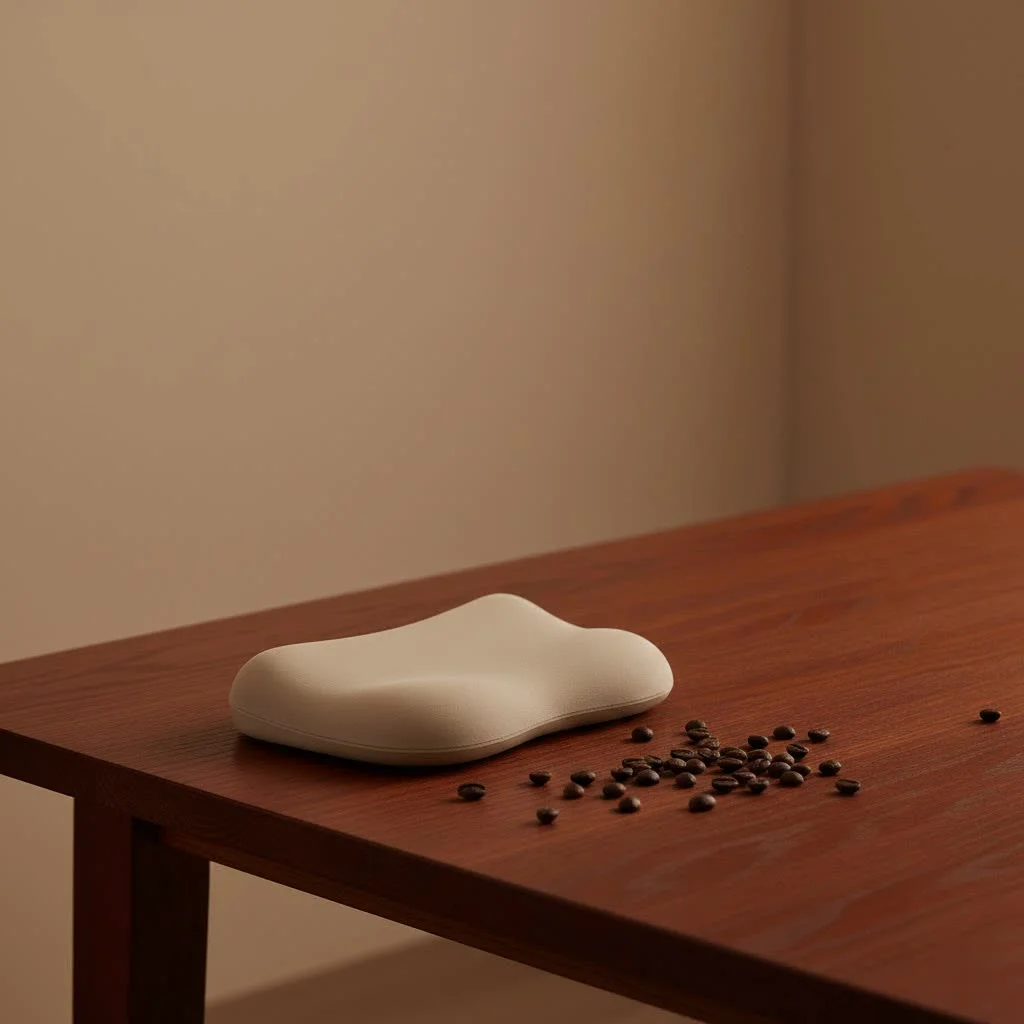
As someone who’s spent over a decade immersed in the world of tech accessories and passionate about ergonomic solutions, I’ve seen firsthand the transformative power of a well-chosen wrist rest. It’s not just about cushioning; it’s about promoting natural alignment and preventing long-term issues. Let’s dive deep into why an ergonomic mouse pad with a wrist rest is a must-have, how to pick the perfect one, and how to use it like a pro. For see our ergonomic computer recommendations on this site.
Why Your Wrist Needs a Helping Hand: The Benefits of Ergonomic Mouse Pads
You might think your current mouse pad is doing a fine job, but prolonged mousing without proper support can lead to a host of problems. An ergonomic mouse pad with a built-in wrist rest proactively combats these issues, offering a wealth of benefits that extend beyond mere comfort.
Preventing Pain and Injuries
One of the most crucial roles of an ergonomic mouse pad with a wrist rest is protecting your delicate wrist structures. Repetitive motions and awkward wrist angles are common culprits behind several painful conditions.
- Wrist Strains: Overuse and stress on the muscles and tendons in your wrist can lead to stiffness, swelling, and weakness. A cushioned wrist rest helps alleviate these symptoms by maintaining a neutral wrist position and reducing pressure.
- Carpal Tunnel Syndrome (CTS): This notorious condition occurs when the median nerve in your wrist becomes compressed, causing tingling, numbness, burning sensations in your fingers, and even hand clumsiness. An ergonomic mouse pad helps keep your wrist in neutral alignment, which can relieve pressure on this vital nerve.
- Repetitive Strain Injury (RSI) & Tendonitis: These conditions arise from repetitive motions and overuse, leading to inflammation and discomfort in tendons and muscles. Wrist support from an ergonomic mouse pad reduces inflammation and prevents tension buildup.
Enhancing Comfort and Productivity
Beyond injury prevention, a good ergonomic mouse pad with a wrist rest significantly improves your daily computing experience.
- Promotes Neutral Posture: The goal is to keep your hand, wrist, and forearm in a straight, natural line. A well-designed wrist rest supports the base of your palm, guiding your wrist into this ideal, neutral position and reducing awkward bending.
- Relieves Pressure Points: Hard desk edges can create painful pressure points on your wrists. A padded rest acts as a buffer, preventing red marks, soreness, and long-term discomfort.
- Reduces Muscle Fatigue: Did you know that proper wrist support can reduce muscle fatigue in your upper arm muscles by up to 32% during long typing and mousing sessions? This translates to less strain and more stamina throughout your workday or gaming marathon.
- Improved Mouse Control and Accuracy: A stable, smooth surface combined with comfortable wrist support allows for more precise mouse movements, leading to greater efficiency and fewer errors.
What’s Inside: Common Materials for Wrist Rests
The material of your ergonomic mouse pad’s wrist rest plays a huge role in its comfort, durability, and overall feel. Each material offers unique advantages, catering to different preferences.
Memory Foam: Personalized Comfort
|
Our Picks for the Best Wrist Rest in 2026
As an Amazon Associate I earn from qualifying purchases.
|
||
| Num | Product | Action |
|---|---|---|
| 1 | LỖI |

|
| 2 | MROCO Ergonomic Mouse Pad with Gel Wrist Rest, Smooth Wrist Support Surface, Non-Slip PU Base for Pain Relief, Comfortable Mousepad for Computer, Laptop, Office & Home, 9.4 x 8.1 in, Black Flower |
|
| 3 | LỖI |
|
| 4 | Keyboard Stand with Wrist Rest - Comfortable Wrist Pad for Easy Typing, Keyboard Tray for Office, Home, School (Fits Most Standard Keyboards) |
|
| 5 | MEKASS Ergonomic Wrist Rest for Keyboard and Mouse, Soft Memory Foam Keyboard Wrist Rest Set with Non-Slip Silicone Base, Easy Typing, Pain Relief, Comfort for Office, Work, Gaming (Classic Black) |
|
| 6 | MROCO Ergonomic Mouse Pad with Gel Wrist Rest, Comfortable Mousepad with Smooth Wrist Support Surface and Non-Slip PU Base for Pain Relief, Computer, Laptop, Office & Home, 9.4 x 8.1 in, Blue Marble |
|
| 7 | LỖI |
|
| 8 | Vaydeer Wrist Rest for Keyboard and Mouse, Computer Ergonomic Wrist Support Pad, Soft Memory Foam Arm Cushion for Desk, Palm Hand Office Laptop Typing |
|
| 9 | GORILLA GRIP Silky Memory Foam Wrist Rest for Computer Keyboard, Mouse, Ergonomic Design for Typing Pain Relief, Desk Pads Support Hand and Arm, Mousepad Rests, Stain Resistant, 2 Piece Pad, Black |
|
| 10 | MROCO Ergonomic Mouse Pad with Gel Wrist Rest, Smooth Wrist Support Surface, Non-Slip PU Base for Pain Relief, Comfortable Mousepad for Computer, Laptop, Office & Home, 9.4 x 8.1 in, Cloud Forest |
|
Memory foam is a popular choice for wrist rests due to its unique ability to conform to the shape of your wrist, providing personalized support and cushioning. It offers a soft yet supportive feel, distributing pressure evenly. While highly comfortable, some users note that memory foam can get warmer with prolonged use, and over time, it might develop “dents” that affect its supportive qualities.
Gel: Cool and Consistent Support
Gel-filled wrist rests are known for their soft, squishy texture that distributes pressure evenly across your wrist, reducing strain and discomfort. Gel often has a cool-to-the-touch sensation, which many find refreshing, and it consistently returns to its original shape, offering reliable support over time. A minor drawback is the potential for leaks if the seams wear out after extensive use.
Other Materials: Exploring Your Options
Beyond the popular gel and memory foam, you’ll find other materials offering distinct characteristics:
- Cloth: Soft and lightweight, cloth surfaces provide a smooth glide for your mouse while offering a degree of cushioning. High-quality Lycra fabric, for instance, can even wick away moisture, keeping your wrists dry and comfortable.
- Silicone: Known for durability and ease of cleaning, silicone mouse pads often feature a non-slip surface, ensuring they stay put on your desk.
- Leather: For a touch of elegance and a smooth, comfortable surface, leather mouse pads are an excellent choice. They are also typically easy to clean and maintain.
- Beaded: Some wrist rests use a beaded interior, which can offer a unique, breathable, and adjustable form of support, especially in combo sets.
Making the Right Choice: How to Select Your Ergonomic Mouse Pad
Choosing the perfect ergonomic mouse pad with a wrist rest isn’t a one-size-fits-all situation. It depends on your personal needs, workspace, and preferences. Here’s a comprehensive guide to help you make an informed decision:
1. Prioritize the Right Material for You
As discussed, different materials offer varied comfort and support. Consider what feels best to you:
- For soft, adaptive support: Memory foam.
- For cool, consistent pressure distribution: Gel.
- For breathability and a smooth surface: High-quality cloth (like Lycra).
- For durability and easy cleaning: Silicone or leather.
It’s often beneficial to try different materials in person if possible, or read reviews that focus on the tactile experience.
2. Consider Your Available Desk Space and Pad Shape
Before you buy, measure your desk area. Think about how much room you need for your mouse movements and whether you have space for other items.
- Rectangular Pads: Offer ample space for both mouse movement and wrist support, suitable for a wide range of hand sizes and movements.
- Contoured Pads: Designed to fit the natural curve of your hand, providing targeted support and reducing strain on the wrist and fingers.
- Extended Pads: If you need more room for sweeping mouse movements or wish to rest your forearm, an extended pad provides additional space.
- Compact Designs: Great for limited desk space or for portability, such as specialized wrist rests for laptops.
Remember, the goal is comfortable, unconstrained movement.
3. Essential Features to Look For
Beyond material and shape, certain features enhance the functionality and longevity of your ergonomic mouse pad:
- Integrated Wrist Rest: Mouse pads with a built-in wrist rest ensure consistent positioning and support the base of your palm, keeping your wrist neutral.
- Non-Slip Base: A rubber or silicone non-slip backing is crucial to keep the pad securely in place, preventing frustrating slips and slides during intense use.
- Smooth Surface: A low-friction, smooth tracking surface is vital for effortless mouse gliding, which helps reduce hand and forearm tension.
- Durability & Easy Maintenance: Look for high-quality, durable materials that resist wear and tear. A waterproof or easily wipeable surface (like vinyl, silicone, or certain cloth types) makes cleaning a breeze and extends the product’s life.
- Height: The wrist rest should be at a height that allows your wrist to maintain a neutral, straight line with your hand and forearm, ideally aligning with your elbow height when seated correctly.
4. Setting Your Budget
Ergonomic mouse pads come in a wide range of prices. Research different models to understand what features and materials are available at various price points. While it’s important to stick to your budget, consider a slightly higher investment for a high-quality product that offers greater durability and more effective ergonomic benefits in the long run. Keep an eye out for sales and discounts!
Using Your Ergonomic Mouse Pad with Wrist Rest the Right Way
A fantastic ergonomic mouse pad can only do its job if used correctly. Many people unintentionally misuse wrist rests, which can negate their benefits or even create new problems.
Position for Perfection: The Neutral Wrist
The golden rule is neutral wrist posture. Your hand, wrist, and forearm should form a straight line. The wrist rest’s purpose is to support the base of your palm, not your actual wrist joint. Resting your wrist directly on the pad can bend it unnaturally, leading to pressure on nerves and tendons. Instead, let your wrist hover slightly above the rest during active mousing, using the rest for support during pauses.
“Think of the wrist rest as a gentle guide and a comfortable spot for your palm to land during breaks, not a pillow for your wrist bone,” advises Dr. Anya Sharma, a renowned ergonomist and consultant for MMPok. “Proper alignment is key to unlocking its full protective potential.”
Optimal Setup: Desk Height and Movement
- Elbow Height: Ensure your keyboard and mouse, along with your mouse pad, are at elbow height. This allows your elbows to rest naturally by your sides at a 90-degree angle, reducing strain on your shoulders and arms.
- Arm Movement: For longer cursor movements, engage your entire arm, not just your wrist. Your forearm should slide smoothly over the desk or mouse pad surface, preventing the “windshield wiper” motion that can lead to repetitive strain in the wrist.
- Close and Centered: Position your mouse pad close enough to your body so you don’t have to reach forward excessively. Your elbow should remain near your side.
Holistic Ergonomics: The Bigger Picture
Your ergonomic mouse pad is one piece of a larger puzzle. For maximum benefit, consider your entire workstation:
- Ergonomic Mouse: Pair your pad with a mouse designed for comfort, one that fits your hand naturally and promotes a relaxed grip.
- Ergonomic Keyboard: A keyboard that supports natural wrist positioning and allows your forearms to stay relaxed is also crucial.
- Monitor Placement: Position your monitor at eye level and an arm’s length away to reduce neck and eye strain.
- Chair and Posture: A supportive ergonomic chair that encourages good posture and allows you to sit upright and relaxed is foundational.
Frequently Asked Questions About Ergonomic Mouse Pads with Wrist Rests
Q: Are wrist rests always good for you?
A: Yes, when used correctly, wrist rests are beneficial. They help maintain a neutral wrist posture and reduce pressure. However, improper use, such as resting your actual wrist joint instead of the base of your palm, can sometimes lead to issues.
Q: What’s the main difference between gel and memory foam wrist rests?
A: Gel wrist rests often feel cooler and consistently return to their original shape, distributing pressure evenly. Memory foam wrist rests conform more to your individual wrist shape, offering personalized cushioning, but may retain heat and potentially “dent” over time.
Q: How often should I clean my ergonomic mouse pad?
A: It depends on usage, but generally, cleaning your mouse pad every few weeks to a month is a good practice. Wipeable materials like silicone or leather can be cleaned with a damp cloth, while fabric pads might require spot cleaning or gentle hand washing.
Q: Can an ergonomic mouse pad really prevent carpal tunnel syndrome?
A: While no single product can guarantee prevention, an ergonomic mouse pad with a wrist rest significantly reduces the risk of carpal tunnel syndrome and other RSIs by promoting neutral wrist alignment and reducing nerve compression caused by prolonged, improper mouse use.
Q: Should I use a separate wrist rest or one integrated into the mouse pad?
A: Both options can be effective. Integrated wrist rests ensure the support is always correctly positioned with your mouse pad. Separate wrist rests offer more flexibility in placement and can be used with different mouse pads or even other devices. The best choice depends on your preference for stability versus versatility.
The Final Word: Invest in Your Hand Health
In our increasingly digital world, neglecting hand and wrist health is a luxury no one can afford. An ergonomic mouse pad with a wrist rest isn’t just another gadget; it’s a vital component of a healthy, productive workspace. By understanding its benefits, knowing how to choose the right one, and committing to proper usage, you’re not just buying a product – you’re investing in long-term comfort, injury prevention, and sustained productivity. So, take that step, upgrade your setup, and give your wrists the support they truly deserve. Your hands will thank you!
Get our weekly buyer guide
Practical specs, not advice. Unsubscribe anytime.